For YouTube travel creators
One smart trip page. No description-link chaos.
Destination videos earn long-tail search traffic for years. The description links often don't. Hotels go full, tours stop running, affiliate programs change terms. Tripixo creates one maintained trip page per video so you update the page, not the video.
Free plan. No credit card needed.
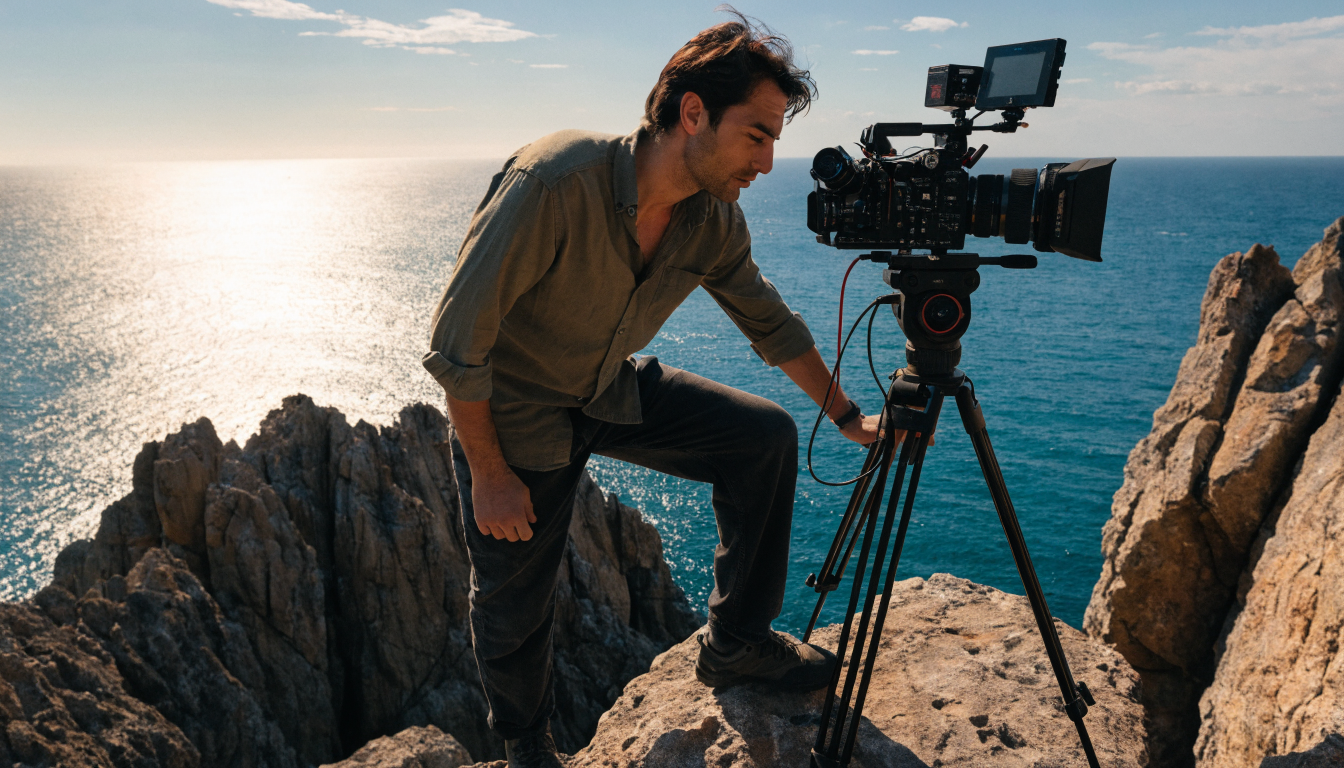

Build the creator setup first, then attach it to the videos that already attract planning intent.
Tripixo is live as an open-signup setup product today. That means you can create the YouTube-facing planning offer now, get the workflow ready, and start taking paid planning calls right away.
Choose videos with planning intent
Start with routes, destination guides, and comparison videos where viewers already ask what to book, skip, or change.
Give the description one destination path
Use a maintained trip page for the call offer, practical notes, and current recommendations instead of a long list of fragile links.
Keep earning after publication
Update the page when availability or recommendations change so older videos continue to send viewers somewhere useful.
Your video earns traffic for years. The links don't.
A Patagonia trekking video published three years ago may still appear at the top of a planning search today. The affiliate links in the description probably lead to a 404 or a booking page with no availability for the hike you featured.
Tripixo pages are separate from the video. Update the trip page when recommendations change and every viewer who clicks your description link (whether they found the video today or in two years) lands on something useful.
Match the offer to the question viewers are already asking.
Not every upload needs a paid planning call. A cinematic montage may create inspiration, while a route breakdown, hotel comparison, or “what I would do differently” video creates planning intent. Start with the videos where comments contain specific questions about dates, neighborhoods, budgets, transport, or pace. Those viewers are closer to a decision and are more likely to value a focused answer from the person whose route they just watched.
Your YouTube monetization plan can stay simple: one link in the description, a short explanation of what the call covers, and a maintained page that holds the current context. Use travel niche ideas to sharpen the destinations or trip styles where your experience is strongest, then connect the offer to the videos that demonstrate that experience. A clear scope is more persuasive than a generic promise to help with any trip anywhere.
The page should also set expectations before the viewer books. Explain whether the session is for route review, neighborhood selection, itinerary feedback, or a particular destination. The creator remains the advisor; Tripixo supplies the booking, brief, and follow-up workflow. For the commercial basics, pair the paid planning calls guide with a rate that reflects preparation time as well as the minutes spent on camera. This keeps the YouTube link useful for viewers and manageable for you.
Start free, paste the video, and build a maintained trip page.
Paid calls from your first video
Give viewers a way to book your route-planning advice directly from the video description: no separate booking tool needed.
Expert Assist keeps calls focused
Use the viewer's destination, route, budget, and open questions to guide the session instead of starting from scratch.
Earns across the video lifespan
Travel videos attract long-tail search viewers for years. A maintained trip page with a call button keeps both consulting and affiliate income active long after the upload date.
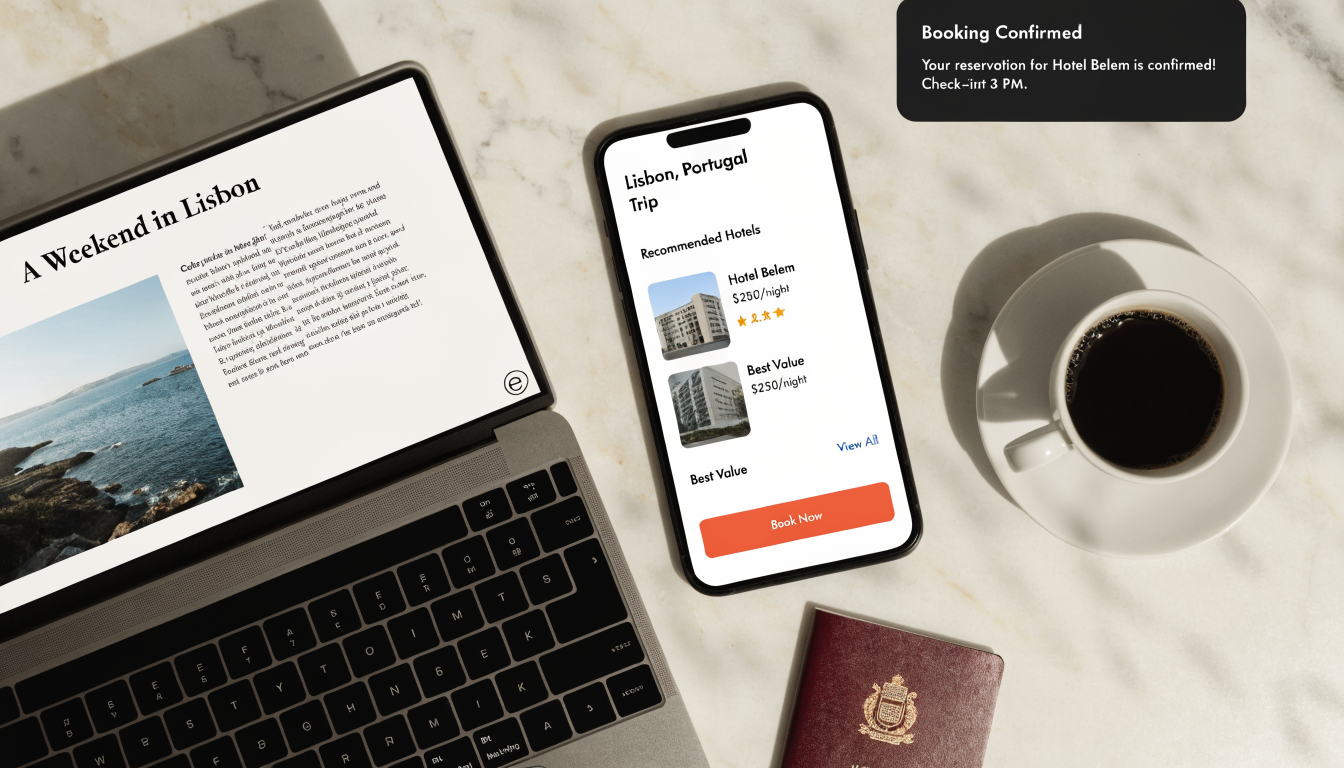
YouTube creator FAQ.
How does Tripixo work for YouTube travel creators?+
Start free, create a travel expert profile, offer paid planning calls under destination videos, and use Expert Assist to prepare for the session and send a useful trip plan afterward. Signup is open now, and paid call booking is live.
Should I put the Tripixo link in the description or pinned comment?+
Either works. Many creators use the description for the trip page link alongside chapter timestamps and key resources. A pinned comment can reinforce the link for engaged viewers.
What happens when my affiliate links change?+
Update the Tripixo trip page without re-editing the video. Anyone who clicks the description link in an older video will reach the current page with updated recommendations.
Can I use Tripixo alongside YouTube affiliate integrations?+
Yes. Tripixo pages can sit alongside any YouTube-native monetization. Tripixo also supports a shared affiliate revenue model inside the post-call and booking flow.
Does Tripixo work for older videos?+
Yes. Older videos with existing traffic are often the best candidates. Adding a Tripixo page to a high-performing video does not require re-editing: just update the description.
Start free for one maintained trip page per video.
Create your account now, complete the setup flow, and start taking paid planning calls on your video-linked offer today.
Free plan. No credit card needed.
Further reading